Pool chemistry
Pool LSI Calculator
Enter your latest water test and see in one number whether your pool water is balanced, corrosive or scale-forming. The calculator corrects your alkalinity for cyanuric acid and borate, and shows which pH would bring the water to perfect balance.
Your water test results
What the LSI tells you
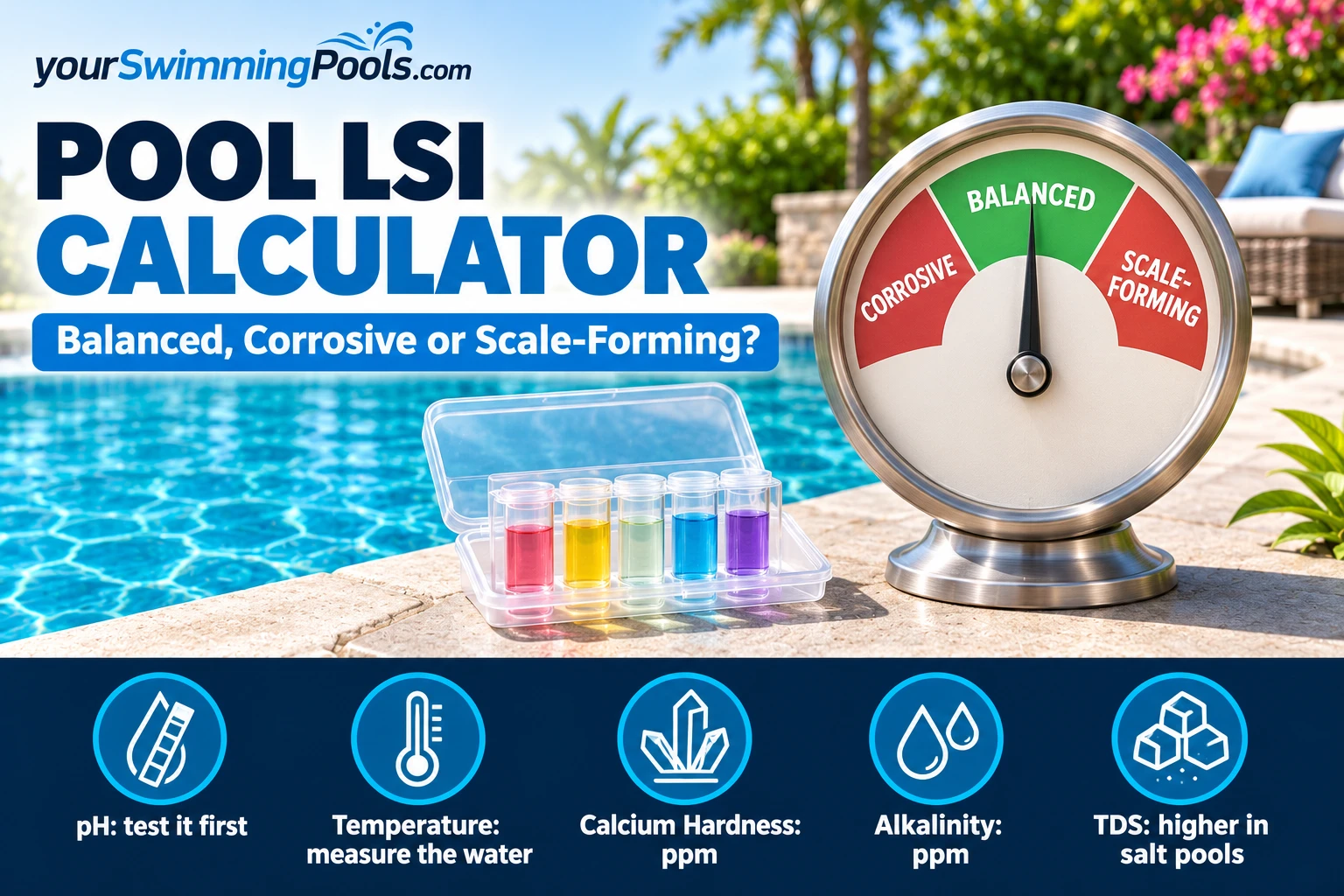
The Langelier Saturation Index (LSI) is one number that combines five test results: pH, water temperature, calcium hardness, alkalinity and dissolved solids. It answers a simple question: will this water take calcium out of your pool surfaces, or leave calcium behind on them?
| LSI | What it means | What you may see |
|---|---|---|
| −0.50 or lower | Corrosive: act now | Etching or pitting of plaster and grout, corroded metal |
| −0.50 to −0.30 | Slightly corrosive | Below the ideal range: correct it |
| −0.30 to +0.30 | Balanced (ideal range) | No balance adjustment needed |
| +0.30 to +0.50 | Slightly scale-forming | Above the ideal range: correct it |
| +0.50 or higher | Scale-forming: act now | Cloudy water, scale on surfaces and tile |
These ranges come from Taylor Technologies, the test-kit maker, which also advises acting when the index reaches −0.50 or +0.50. Utah's public pool code asks for −0.3 to +0.3 and describes the index the same way: 0 is in balance, a minus value is corrosive, a plus value is scale-forming.
The LSI is about water balance, not about whether the water is safe to swim in. Chlorine and pH still need their own checks: the CDC's home-pool targets are pH 7.0 to 7.8 and at least 1 ppm free chlorine (2 ppm with stabilizer). See our weekly pool maintenance checklist for the routine.
The LSI formula
That is the form in Utah's pool code (R392-302-25, Table 2). For a quick estimate by hand, use the factors from that table:
| Temperature °F | Factor | Calcium hardness ppm | Factor | Total alkalinity ppm | Factor |
|---|---|---|---|---|---|
| 66 | 0.5 | 100 | 1.6 | 50 | 1.7 |
| 76 | 0.6 | 150 | 1.8 | 75 | 1.9 |
| 84 | 0.7 | 200 | 1.9 | 100 | 2.0 |
| 94 | 0.8 | 300 | 2.1 | 150 | 2.2 |
| 105 | 0.9 | 400 | 2.2 | 200 | 2.3 |
The TDS factor in the table is 12.1 up to 999 ppm, 12.2 from 1,000 to 1,999 ppm and rises from there. A selection of rows is shown here; the full table is in the Utah code.
What our calculator does differently. It does not round to table rows. The calcium and alkalinity factors are calculated exactly (the table values are the base-10 logarithm: log 200 − 0.4 = 1.9, log 100 = 2.0). Temperature and TDS use the equations behind Taylor Technologies' digital LSI calculator, so a salt pool at 3,500 ppm gets its own value instead of a table step. The equations use a slightly different split between temperature factor and constant, so the "temperature factor" from the equations is not the same number as in the table; only the final LSI is comparable. At normal pool temperatures (about 66 to 94 °F) both give the same LSI within about 0.05. In very cold water the difference grows, so expect small differences for winter readings. (Utah's own example uses 0.7 for 80 °F, which sits between the 76 °F and 84 °F rows.)
Worked example: the Utah code example
Why cyanuric acid and borate change the result
A standard total alkalinity test does not only measure carbonate alkalinity, the part the LSI needs. Cyanuric acid (stabilizer) and borates also show up in the reading. If you leave them in, the index comes out too high and you may think the water is safer for plaster than it is.
How much to take off depends on pH. With 100 ppm cyanuric acid, the calculator removes about 26 ppm of alkalinity at pH 7.2, 31 ppm at pH 7.5 and 35 ppm at pH 7.8 (our calculation with the equations above). At pH 7.5, 50 ppm borate removes about 7.5 ppm. Taylor's LSI calculator makes the same borate correction and explains why: borates buffer like carbonates, so the test counts them too.
Example from our calculator: pH 7.5, 84 °F, calcium hardness 300 ppm, total alkalinity 80 ppm. With no stabilizer the LSI is +0.05. With 80 ppm cyanuric acid, the same water drops to −0.12, because 25 ppm of the alkalinity reading was cyanurate.
Temperature changes the LSI
The same water can be balanced in summer and corrosive in winter. Example from our calculator, with pH 7.5, calcium hardness 250 ppm, total alkalinity 90 ppm and 40 ppm cyanuric acid: at 85 °F the LSI is −0.04, at 60 °F it is −0.24. Nothing in the water changed, only the temperature. Taylor advises checking the LSI in summer and in winter, and after refilling the pool. For a pool that stays open in cold months, see how weather affects your pool and how to winterize a pool.
How to bring the LSI back into range
Taylor Technologies gives a fixed order: total alkalinity first (it moves pH too), then pH, calcium hardness last. Change one thing at a time, let the water mix, and test again. The calculator also shows the pH that gives LSI 0 for your other numbers: that tells you how far pH alone would have to move.
| To change | Up | Down |
|---|---|---|
| Total alkalinity | Sodium bicarbonate (soda ash raises it slightly) | Muriatic acid or dry acid |
| pH | Soda ash (sodium bicarbonate raises it slightly) | Muriatic acid or dry acid |
| Calcium hardness | Calcium chloride (cal-hypo shock raises it slightly) | Drain part of the water and refill |
Source: Taylor Technologies, chemical adjustments reference on its LSI calculator page.
- LSI too low (corrosive): check total alkalinity first, then pH, then calcium hardness. Taylor's own example fixes a corrosive pool (calcium hardness 50 ppm, LSI about −0.6) by keeping pH and alkalinity as they are and raising calcium hardness to 200 ppm with calcium chloride.
- LSI too high (scale-forming): if total alkalinity is high, bring it down first; see how to lower alkalinity in a pool. Then fine-tune with how to lower pH in a pool.
- Stay inside the safe pH range. Do not push pH outside 7.0 to 7.8 just to hit LSI 0: the CDC range comes first.
Always dose by the product label for your pool volume. If you do not know your volume, the volume helper in our pump runtime calculator gives a quick estimate.
Pool LSI calculator FAQ
What is a good LSI for a pool?
Between −0.30 and +0.30, according to Taylor Technologies and Utah's pool code. Taylor advises acting when it reaches −0.50 or +0.50. Zero is perfectly balanced.
Is a negative LSI bad for my pool?
A slightly negative value inside −0.30 is fine. Lower than that, the water is corrosive: over time it can etch plaster and grout and corrode metal parts. Fix it by raising pH, alkalinity or calcium hardness, one at a time.
Does cyanuric acid affect the LSI?
Yes. Part of your total alkalinity reading is cyanurate alkalinity, which does not count for the LSI. At pH 7.5, every 100 ppm of cyanuric acid takes about 31 ppm off the alkalinity used in the calculation (our calculation).
Do I need to enter TDS?
It matters most for saltwater pools. In a regular chlorine pool, leaving the default of 1,000 ppm is fine for an estimate. In a salt pool, TDS is at least your salt level, which lowers the index a little compared with fresh water.
How often should I check the LSI?
Whenever you do a full water test, and at least in summer and in winter and after refilling (Taylor's advice), plus after heavy rain (our advice). Temperature alone can move the index by about 0.2 between summer and winter water (our calculation, see above).
Sources
- Taylor Technologies: Digital LSI Calculator (ranges, borate and cyanuric acid correction, equations; read November 3, 2026)
- Utah Admin. Code R392-302-25, Table 2: saturation index (formula, factor table, worked example, −0.3 to +0.3)
- CDC: Home pool and hot tub water treatment and testing (pH and chlorine targets)